
Views: 222 Author: Tina Publish Time: 2025-03-04 Origin: Site


Content Menu
● Introduction to LCD Screens in Photography
● Techniques for Shooting with LCD Screens
>> Capturing Clear Images of LCD Screens
>> Adjusting LCD Screen Settings
● Advanced Techniques for LCD Screen Use
● Tips for Shooting in Different Conditions
>> Shooting in Bright Sunlight
>> 1. What are the advantages of using an LCD screen for photography?
>> 2. How can I minimize glare on the LCD screen in bright sunlight?
>> 3. What shutter speed is best for capturing images of LCD screens?
>> 4. How do I ensure color accuracy on my LCD screen?
>> 5. What are some tips for shooting with an LCD screen at unique angles?
Displaying images on an LCD screen while shooting is a common practice in photography, especially with the advent of mirrorless cameras and smartphones. This technique allows photographers to preview their shots in real-time, making adjustments as needed to ensure the best possible outcome. In this article, we will explore the advantages of using LCD screens for real-time image display, discuss techniques for effective shooting, and provide tips for optimizing your photography experience.
LCD screens have become an integral part of modern photography. They offer a larger viewing area compared to traditional viewfinders, allowing photographers to see more details and make precise adjustments. This is particularly useful for spotting issues such as unwanted objects in the background or ensuring that the horizon is straight.
- Larger Viewing Area: LCD screens provide a larger display area, making it easier to review images and adjust settings.
- Better Color Rendition: Many LCD screens offer superior color accuracy and higher pixel counts than viewfinders.
- Touchscreen Functionality: Some cameras feature touchscreen LCDs, enabling users to manually select focus points or zoom in to check focus.
To maximize the benefits of using LCD screens, it's essential to employ proper shooting techniques:
1. Stability: Maintain stability by tucking your elbows into your sides and resting on a solid surface if possible.
2. Positioning: Use the tilting feature of LCD screens to shoot from unique angles without straining your body.
3. Shutter Speed: Increase shutter speed when shooting handheld to minimize camera shake.
Real-time image display, or Live View, allows photographers to see exactly what the camera captures before taking the shot. This feature is particularly useful for ensuring composition and focus accuracy. It also helps in adjusting settings like exposure compensation and white balance directly from the LCD screen.
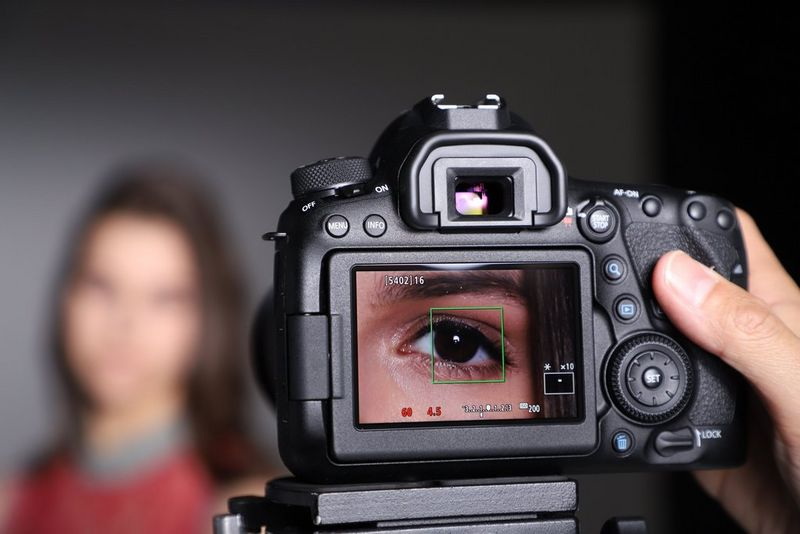
While LCD screens offer many advantages, there are also challenges to consider:
- Glare: In bright sunlight, glare can make it difficult to see the LCD screen clearly. Using a screen protector or shade can help mitigate this issue.
- Color Accuracy: Ensure that the LCD screen's color settings are calibrated for accurate representation of the captured image.
- Battery Life: Continuous use of the LCD screen can drain the camera's battery faster. Consider using an external battery pack or turning off the screen when not needed.
When photographing LCD screens themselves, such as capturing images displayed on a monitor or smartphone, several techniques can be applied:
- Shutter Speed: Use a slower shutter speed to avoid capturing partial screen refreshes.
- Lighting: Minimize background light to prevent washing out the image.
- Tripod: Use a tripod for stability and to avoid camera shake.
Capturing clear images of LCD screens can be challenging due to screen refresh rates and glare. Here are some tips:
- Adjust Shutter Speed: Experiment with different shutter speeds to find one that works best for the screen's refresh rate.
- Minimize Glare: Position the camera to avoid reflections and use a polarizing filter if necessary.
To optimize your LCD screen for photography, consider adjusting the following settings:
- Brightness and Contrast: Adjust these settings to match your shooting environment.
- Color Profile: Use a color profile that matches your camera's output for accurate color representation.
- Grid Display: Enable grid lines to help with composition and alignment.
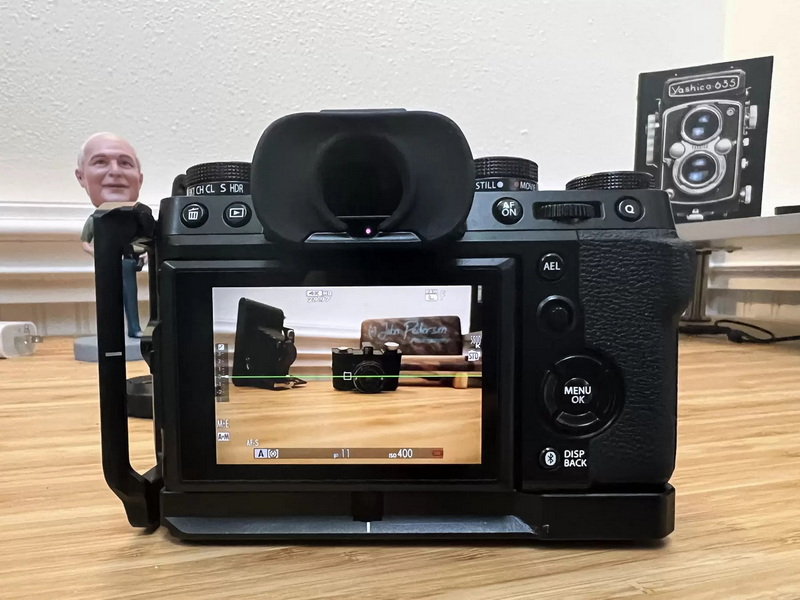
Focus peaking is a feature available on many mirrorless cameras that highlights areas in focus on the LCD screen. This is particularly useful for manual focus lenses or when shooting in low light conditions.
Exposure preview allows you to see how your image will look with the current exposure settings before taking the shot. This feature helps in adjusting exposure compensation and ensuring that your image is not over or underexposed.
When shooting in low light, use the LCD screen to adjust ISO settings and exposure compensation. Also, consider using a tripod to stabilize the camera and avoid camera shake.
In bright sunlight, use a screen protector or shade to reduce glare on the LCD screen. Adjust the screen's brightness to improve visibility.
When shooting in wet conditions, protect your camera and LCD screen with waterproof covers. Use a rain cover to prevent moisture from entering the camera body.
Displaying images on LCD screens while shooting offers numerous benefits for photographers, including improved composition accuracy and the ability to shoot from unique angles. By understanding the techniques and challenges associated with LCD screens, photographers can optimize their workflow and produce high-quality images. Whether you're capturing real-time images or photographing LCD screens themselves, proper technique and equipment setup are key to achieving the best results.
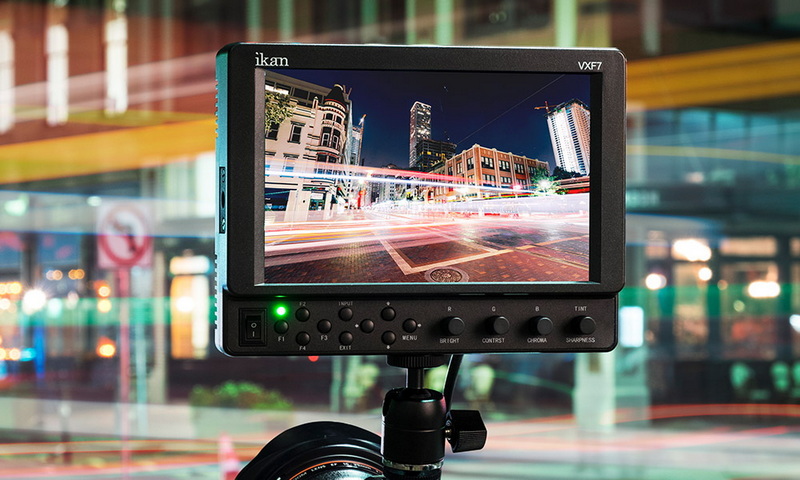
Using an LCD screen allows for a larger viewing area, better color rendition, and the ability to shoot from unique angles without straining your body.
To minimize glare, use a screen protector or shade, or adjust your shooting position to avoid direct sunlight.
Experiment with shutter speeds slower than the screen's refresh rate to avoid capturing partial screen refreshes.
Calibrate your LCD screen's color settings to ensure accurate representation of the captured image.
Use the tilting feature of your LCD screen to shoot from low or high angles without straining your body, and maintain stability by resting on a solid surface if possible.


